Welcome to Classic Gizmo
Practical software, from retro-inspired tools to everyday apps. Pick a tab above, or start with what's new.
Software
Our programs for Linux. Download and install in minutes.
About us
Who we are and what we make.
Contact us
Questions, licensing or feedback.
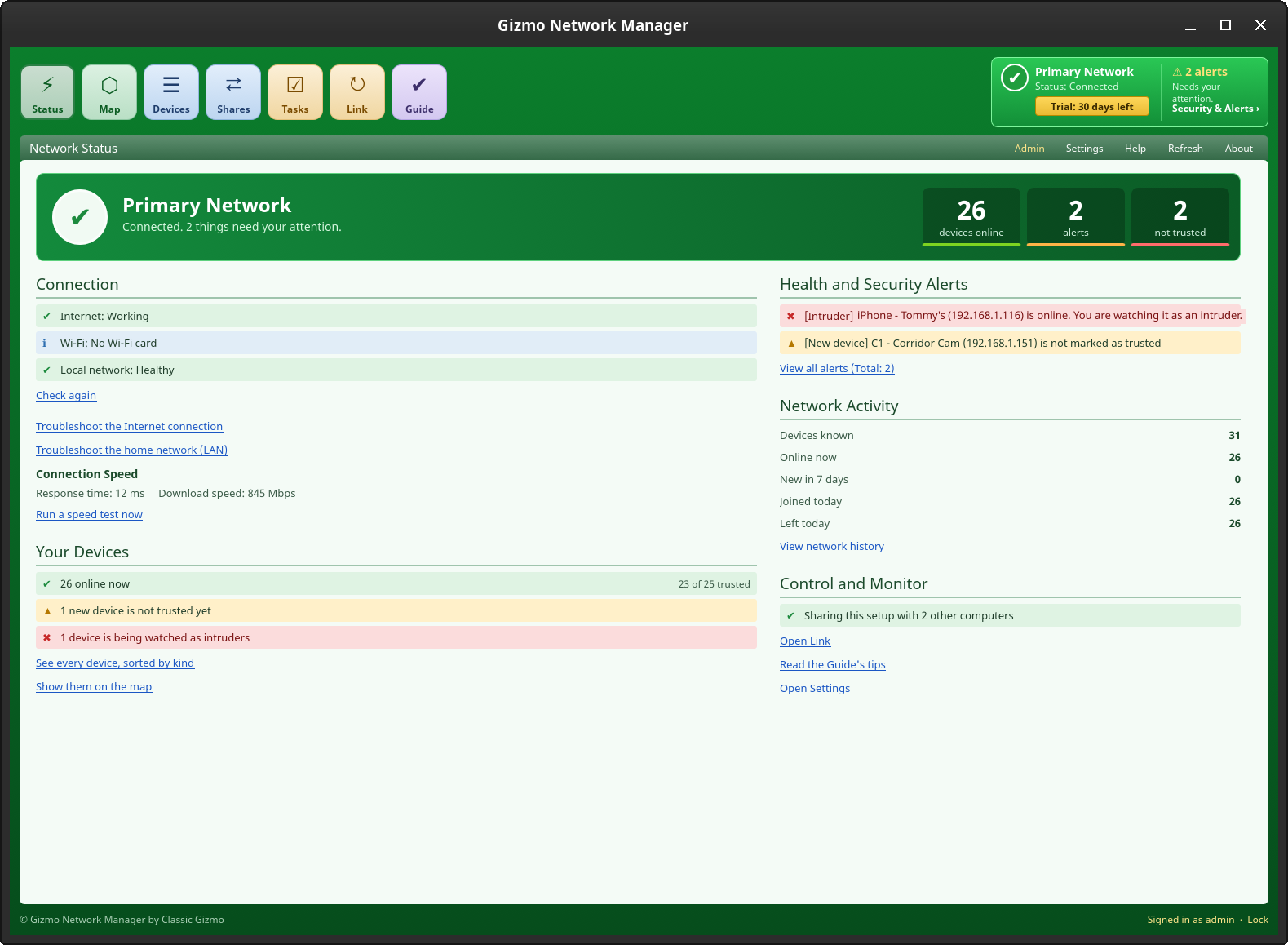
Featured: Gizmo Network Manager Now available
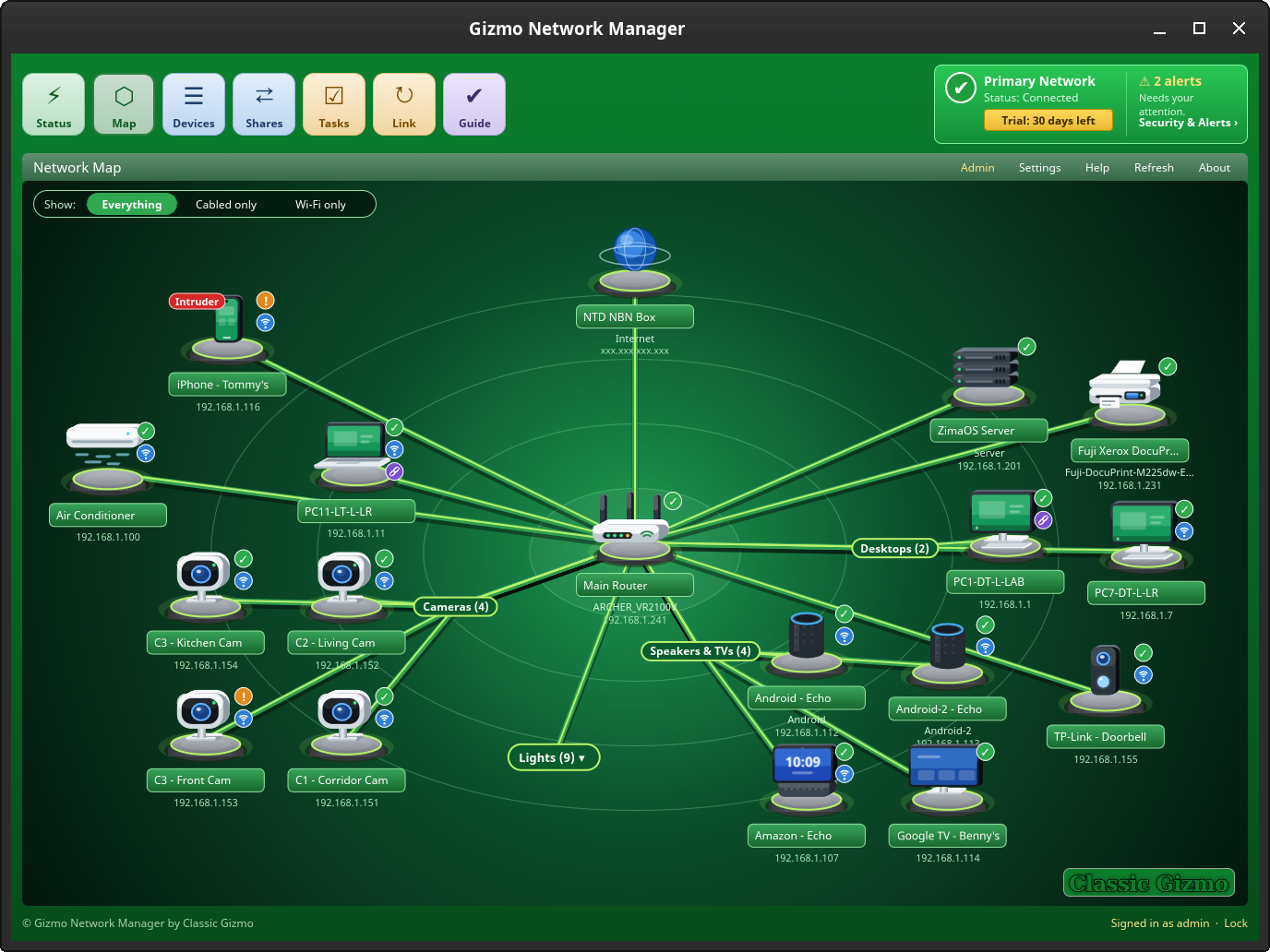
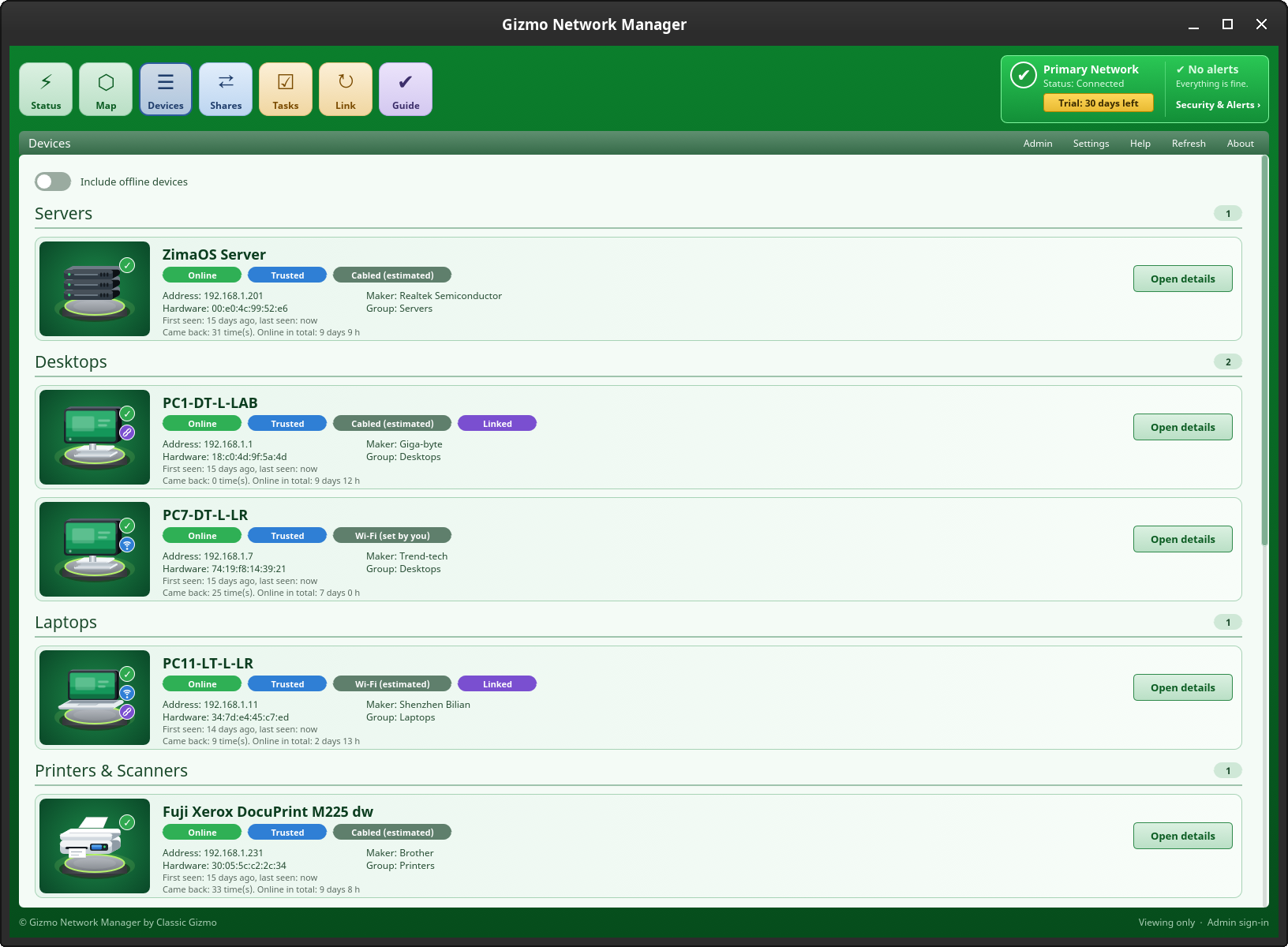
Classic Gizmo’s flagship network tool for your home: see every device on a friendly map, mark the ones you trust, check your Internet, share folders and printers, and keep your computers in step.
Free for 30 days, no sign-up, with every feature. Then a once-off lifetime licence for version 1 with every 1.x.x update: Home Licence US$49.95 once-off (up to 10 installs) or Small Business Licence US$99.95 once-off (up to 30 installs). 14-day refund.
Featured: Flatpak Manager v1.0.1
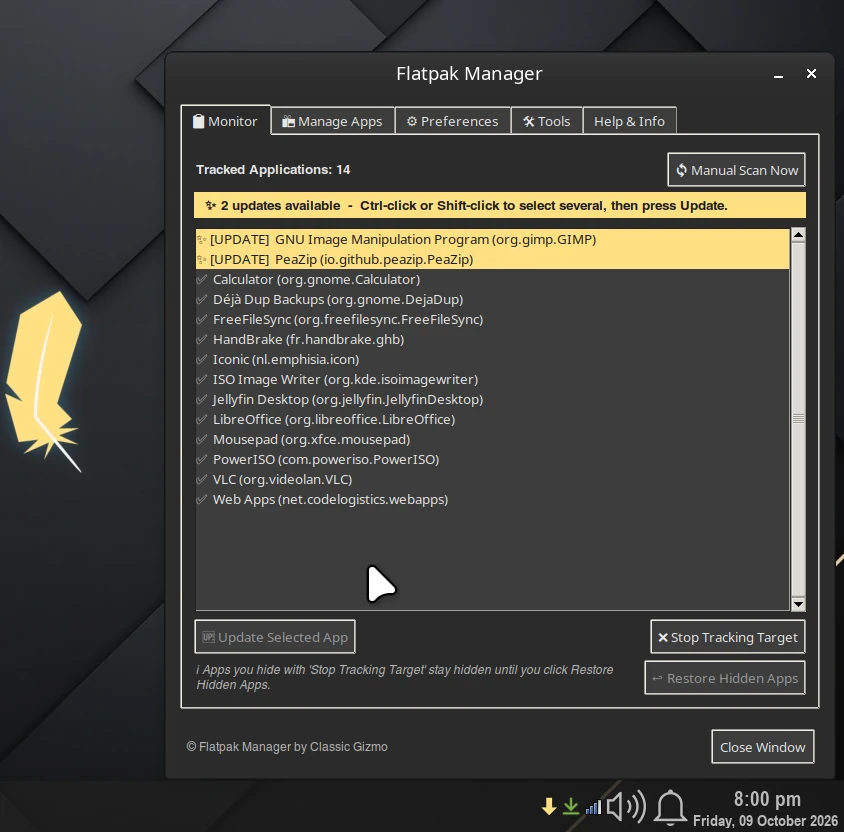
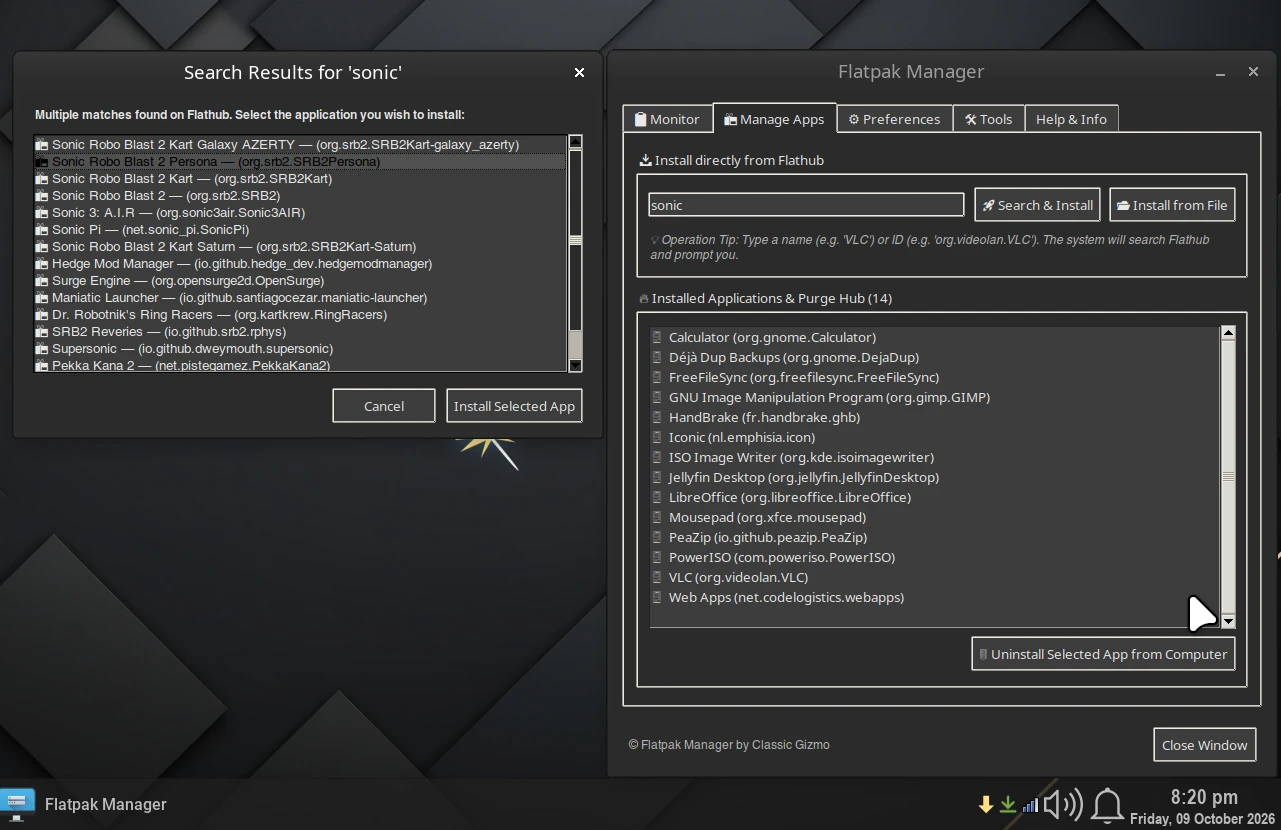
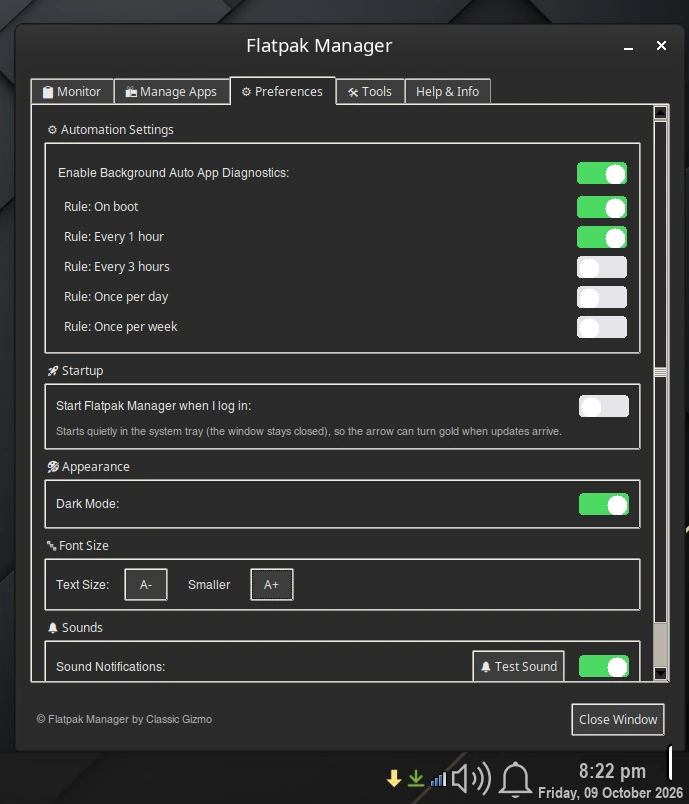
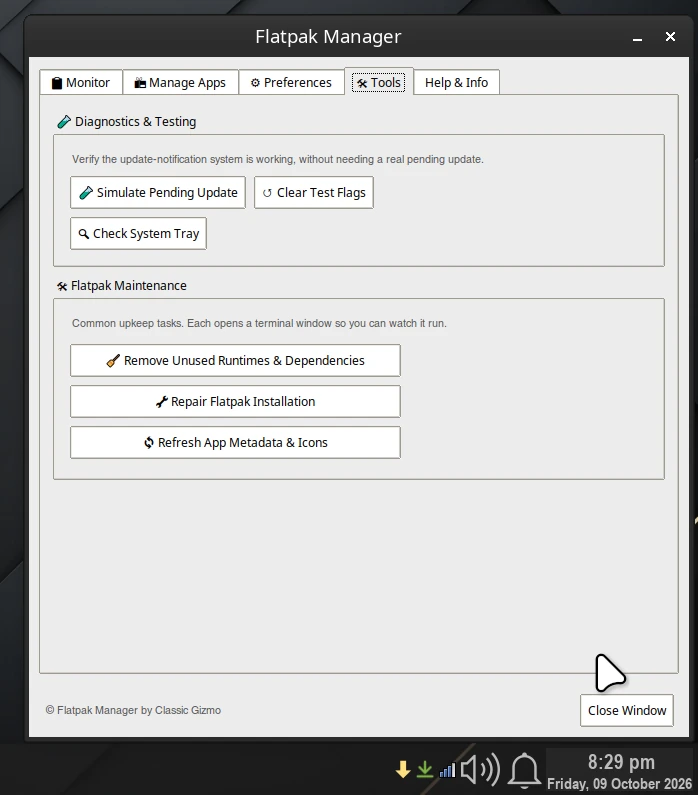
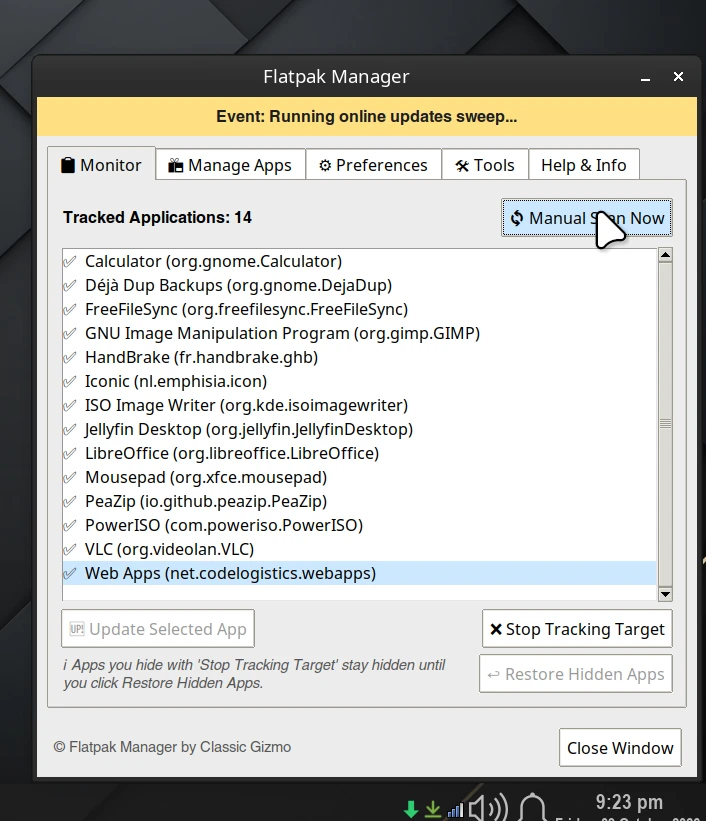
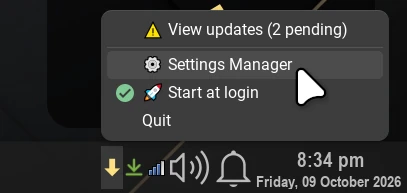
For Flatpak apps on Linux: a freemium tray app that updates, installs, removes and cleans up Flatpaks. Always free on up to 6 installs, and the arrow turns gold when updates are waiting.
Install with APT, Flatpak, a .deb or a one-line installer.
Featured: Gizmo App Manager Now available
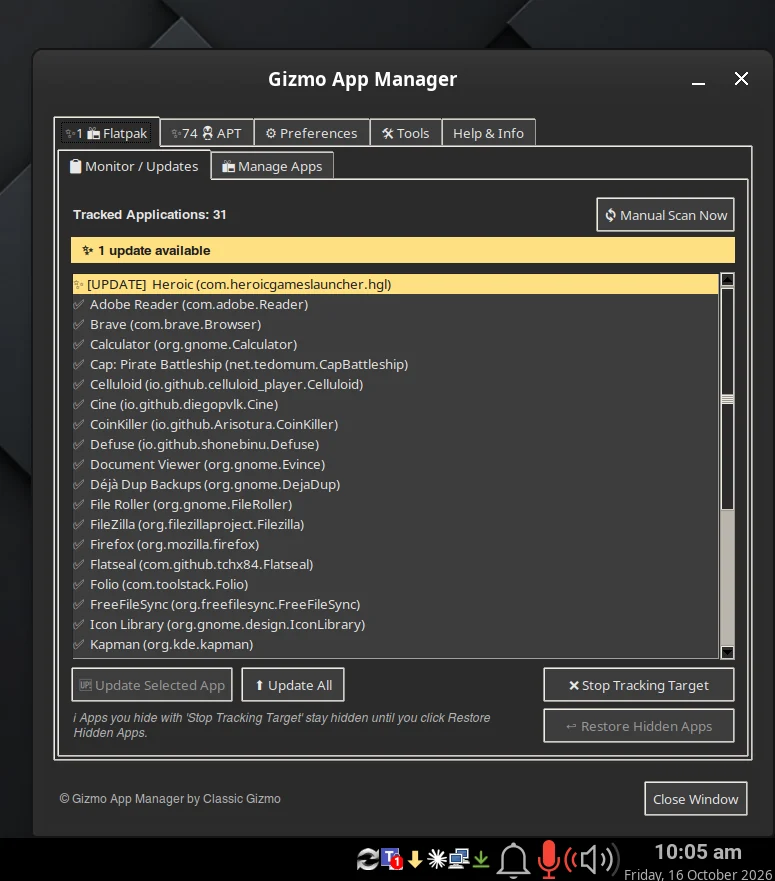
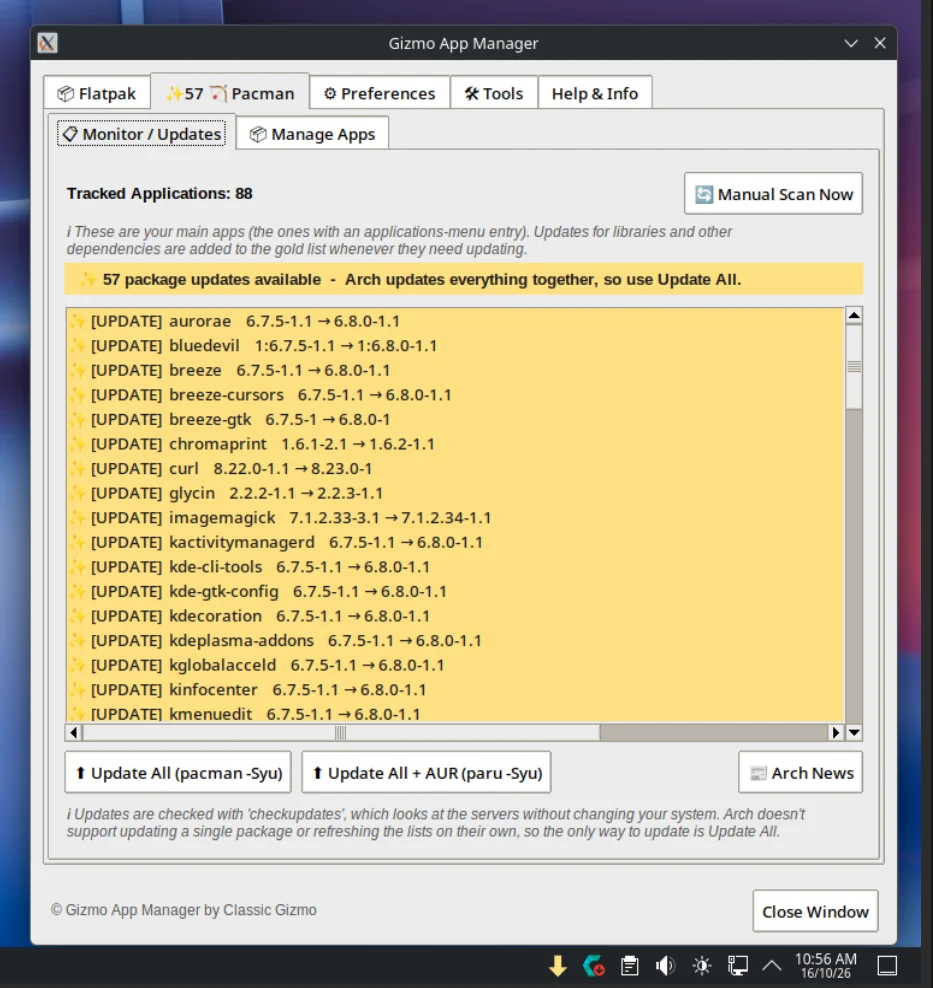
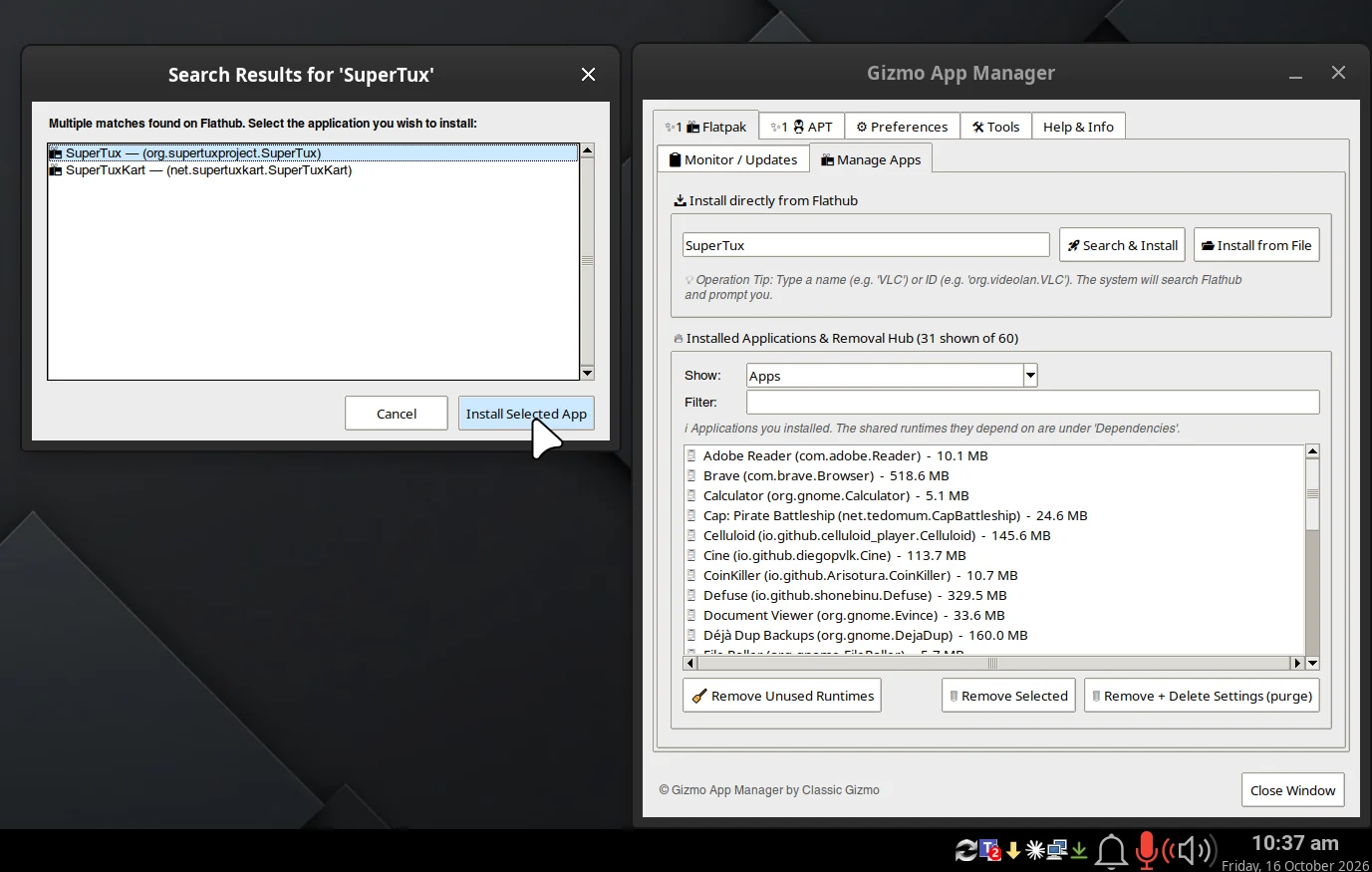
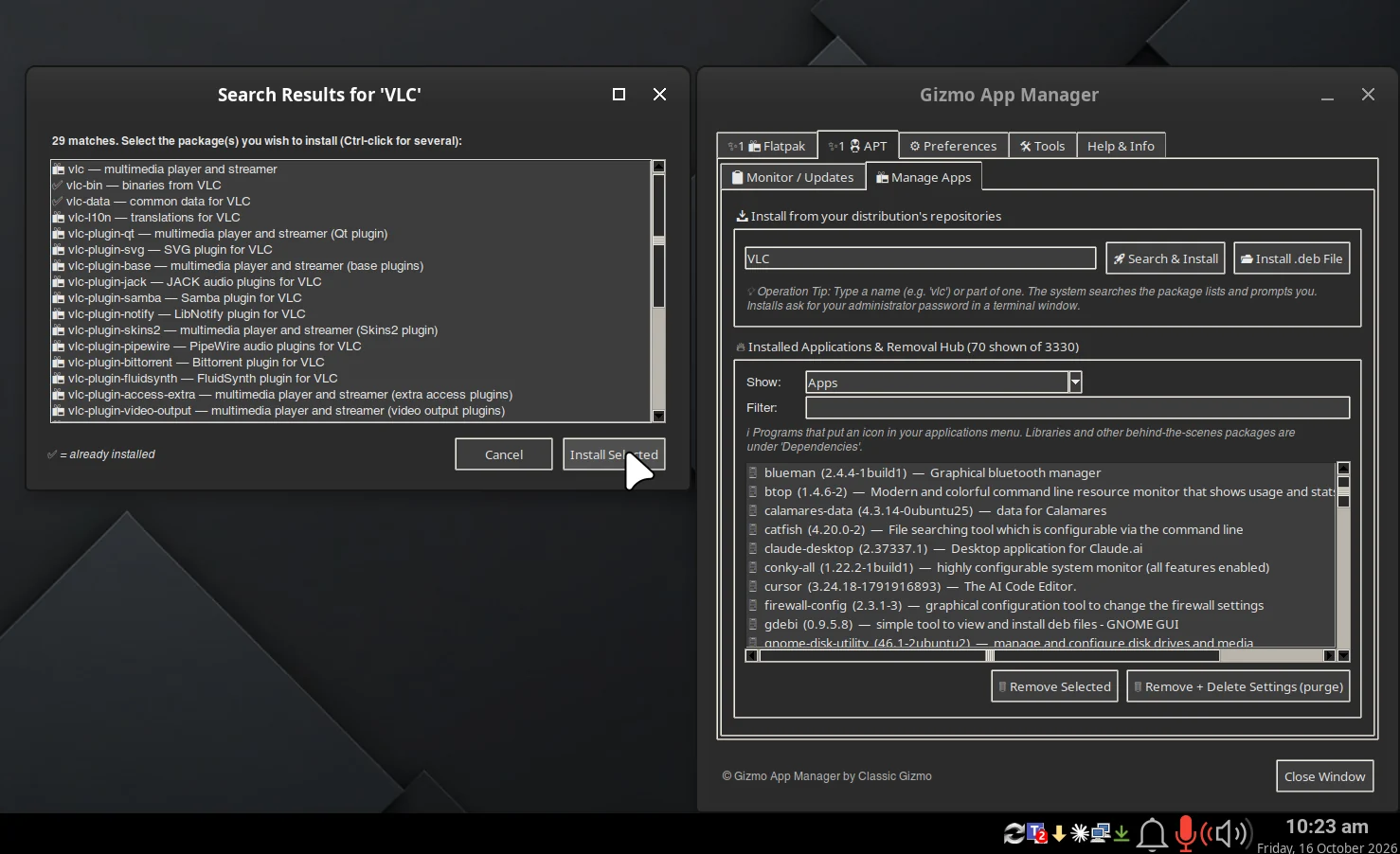
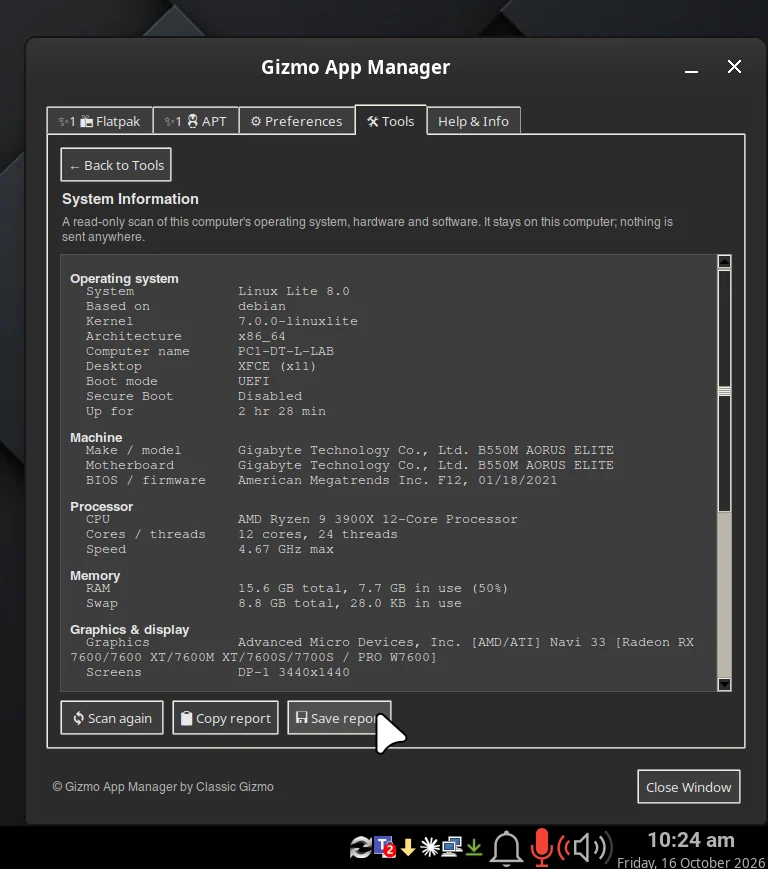
For the apps already on your Linux desktop: one window and tray icon that manages Flatpak, APT and Pacman packages – see updates, then update, install and remove without the terminal.
Free 30-day trialBuy / pricing
A 30-day free trial, then US$24.95 once, for life, covering version 1 and every 1.x.x update. One key covers 2 computers.